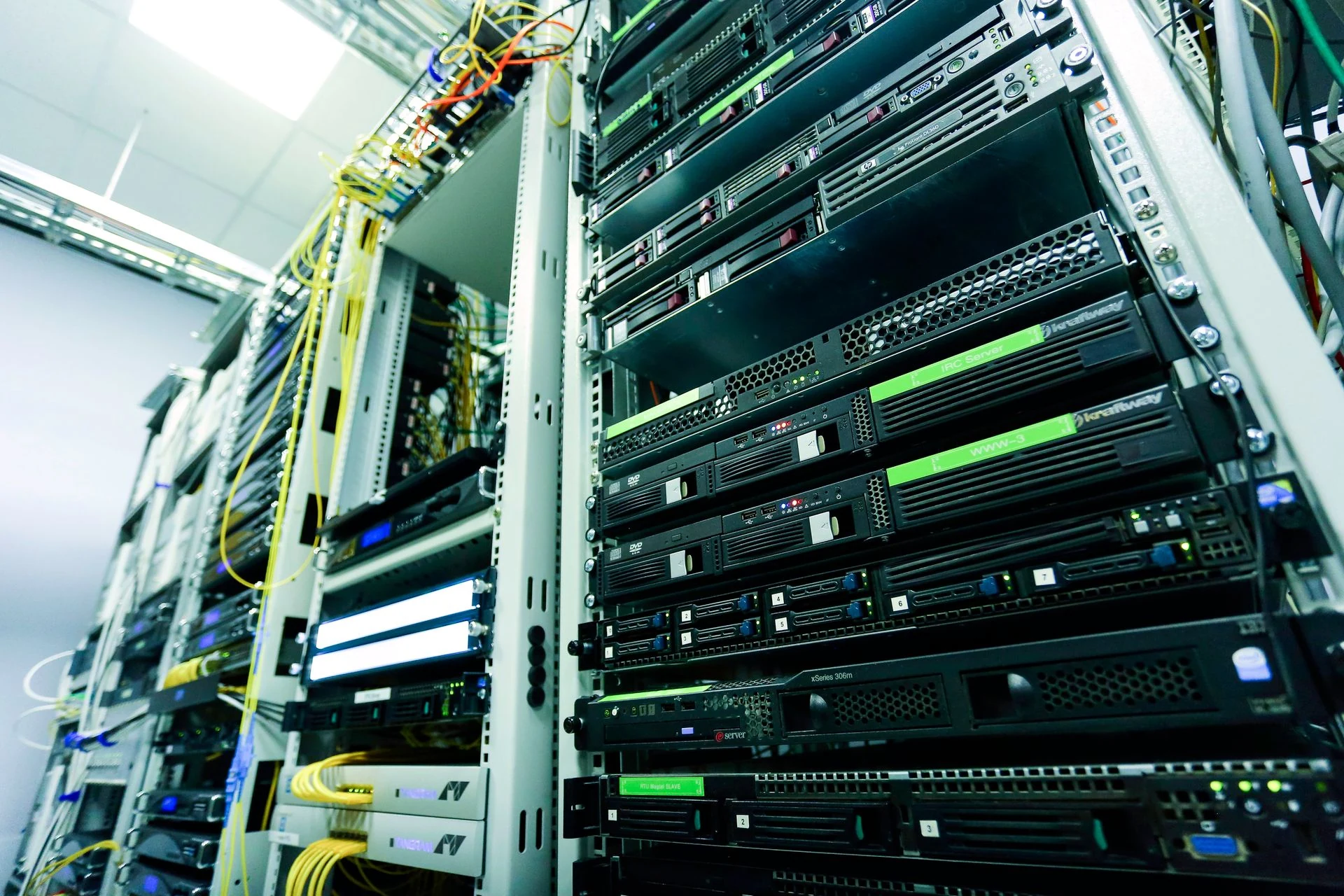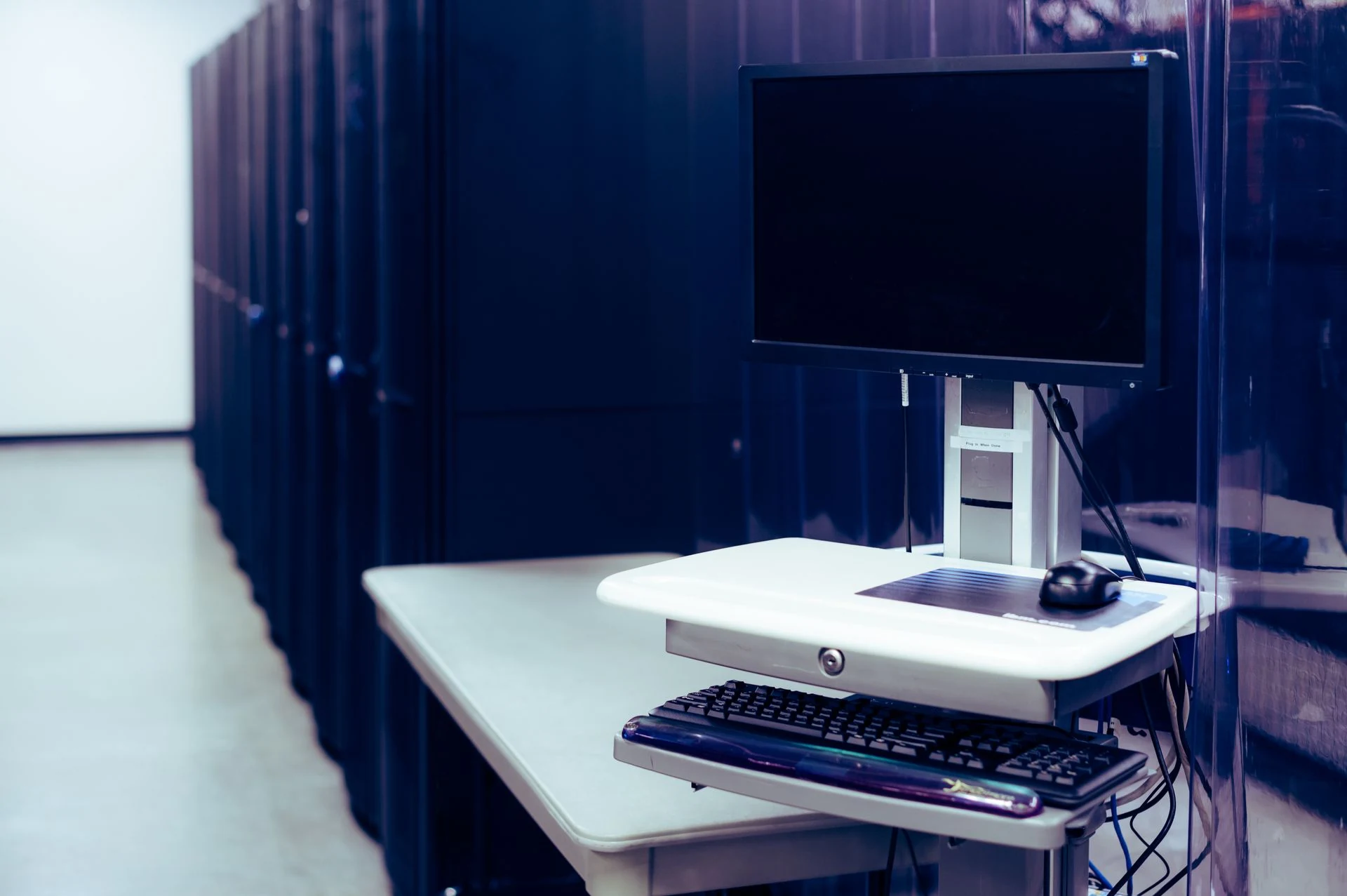




Photographed server hardware in a data center

Disaggregated AI
infrastructure.

Connect compute, memory and storage with PCIe interconnects and CXL memory expansion.
Scale each resource around your workload.

Interconnects for scalable AI infrastructure

PCIe 5.0 / 6.0CXL 3.0 architecture roadmapCDFP / MCIOhigh-speed interconnects

One architecture. Independent growth.

Move beyond a fixed server configuration.
Explore how compute, memory and storage connect.

Compute / storage linksCXL memory links

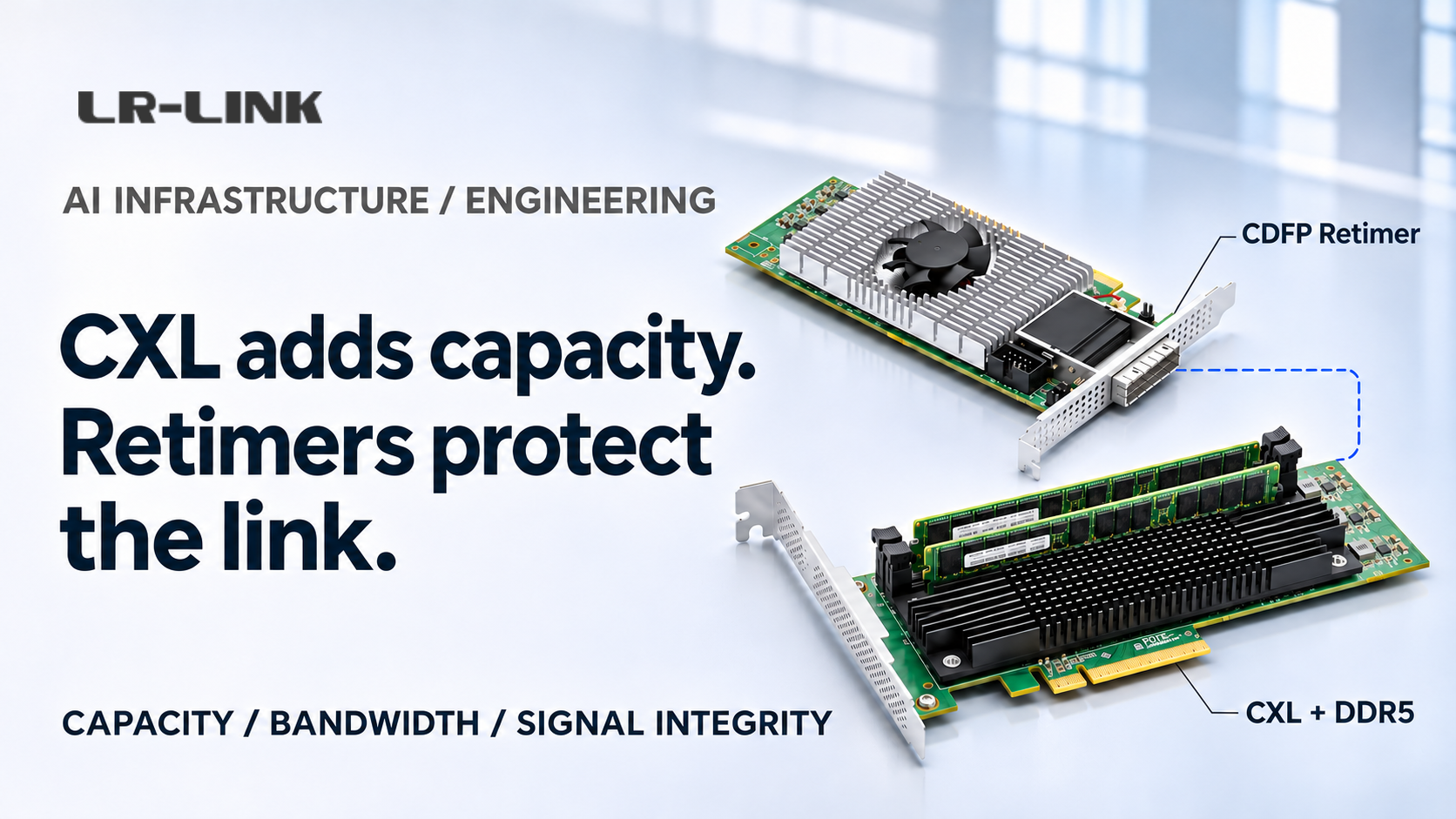
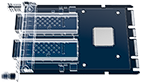
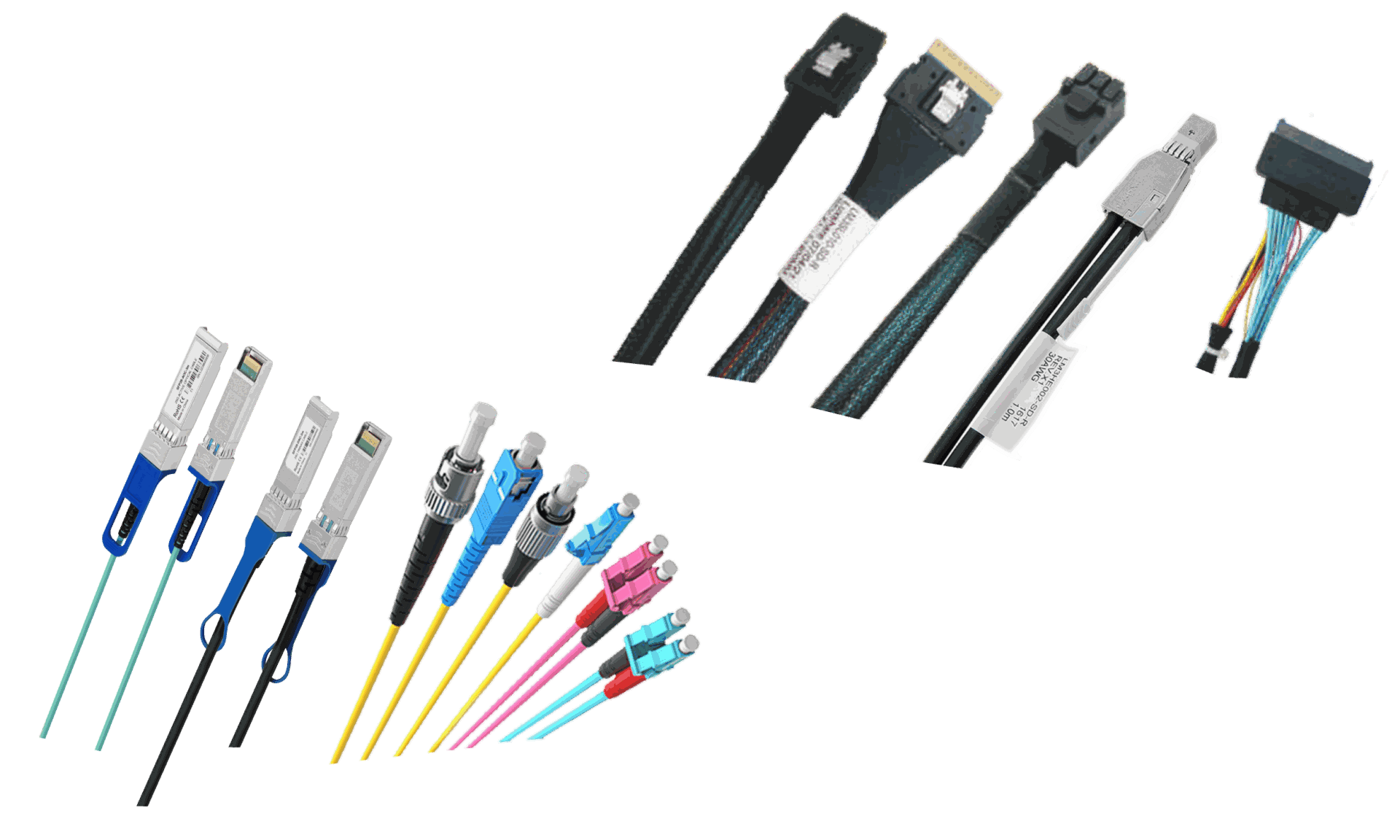
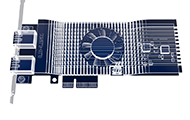
CDFP adapters connect the host to GPU, CXL memory and storage expansion resources A motherboard with a CPU, DDR5 DIMMs, one M.2 SSD and three CDFP retimer cards installed vertically in PCIe slots. Separate external CDFP links connect JBOG, populated CXL adapters and JBOF. MCIO 8i identifies an internal JBOG connection. The memory link terminates at a matching carrier interface. The upper-right card is a detail view of a host adapter. JBOGGPU compute resources GPU expansion / switching CDFP · external link MCIO 8i · internal link CXL MEMORY POOLCXL adapters · 2 × DDR5 per card Carrier / matched interface HOST / CDFP ADAPTERSCDFP cards in motherboard PCIe slots A CPU, DDR5 memory, one M.2 SSD and three CDFP cards seated in motherboard PCIe slots Motherboard PCIe x16 slots CPU · DDR5 · 1 × M.2 SSD RETIMER DETAILDetail of a host CDFP card LRSV9570-1E · signal retiming JBOFIndependent flash storage expansion CDFP · external link CXL memory link / external CDFP

Expand GPU capacity beyond one chassis

JBOG provides separate GPU resources. External CDFP links connect to retimer cards in the host; MCIO 8i identifies the internal enclosure connection. GPU expansion and switching modules must be selected together.

This illustration does not identify a qualified JBOG model. GPU count, peer-to-peer access and resource allocation depend on the platform, topology and software.

Installation and connection concept. CDFP cards are installed in the host; external CXL adapters require matching carrier interfaces. DIMM placement and link topology must be verified for the selected hardware.

From system architecture to real hardware

Memory expansion. Signal retiming. PCIe switching.
Start with verified product specifications.

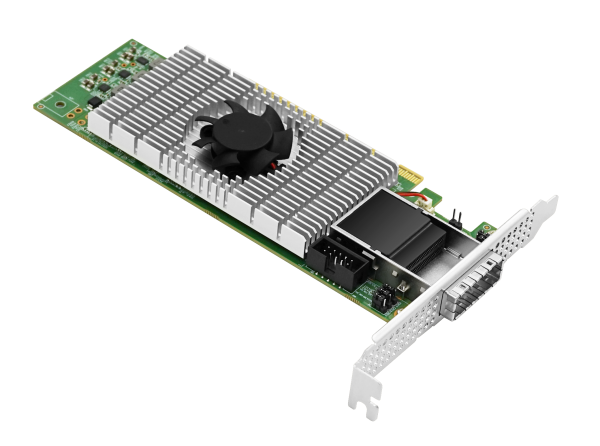
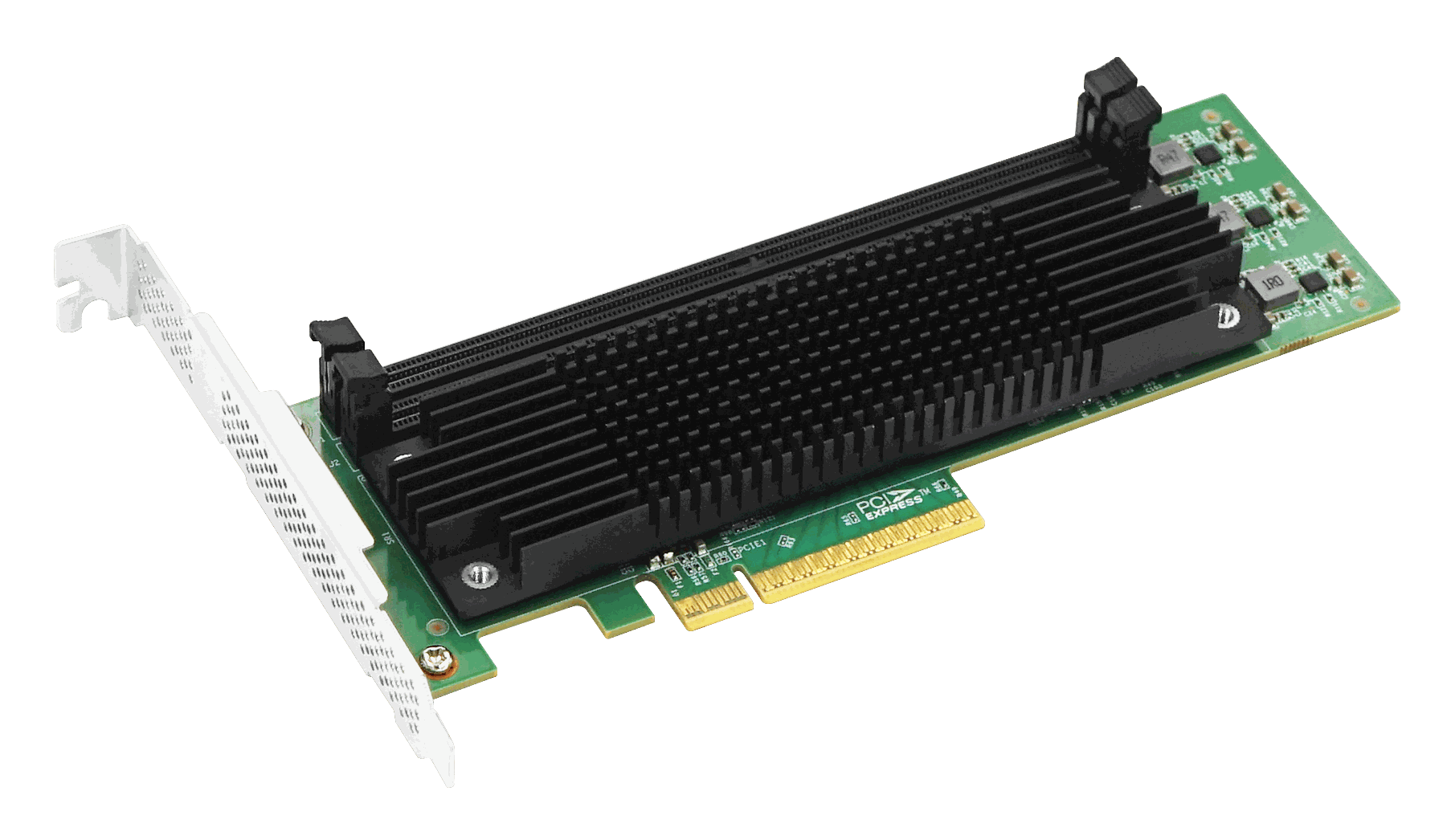
Official LRDR9G91-2I CXL memory expansion adapter product image

CXL memory expansion

Expand memory independently

LRDR9G91-2I

Add host-accessible memory capacity for memory-intensive applications, with platform support verified before deployment.

Protocol
CXL 2.0
Host interface
PCIe 5.0 x8
Memory slots
2 × DDR5 RDIMM
Download datasheetPDF
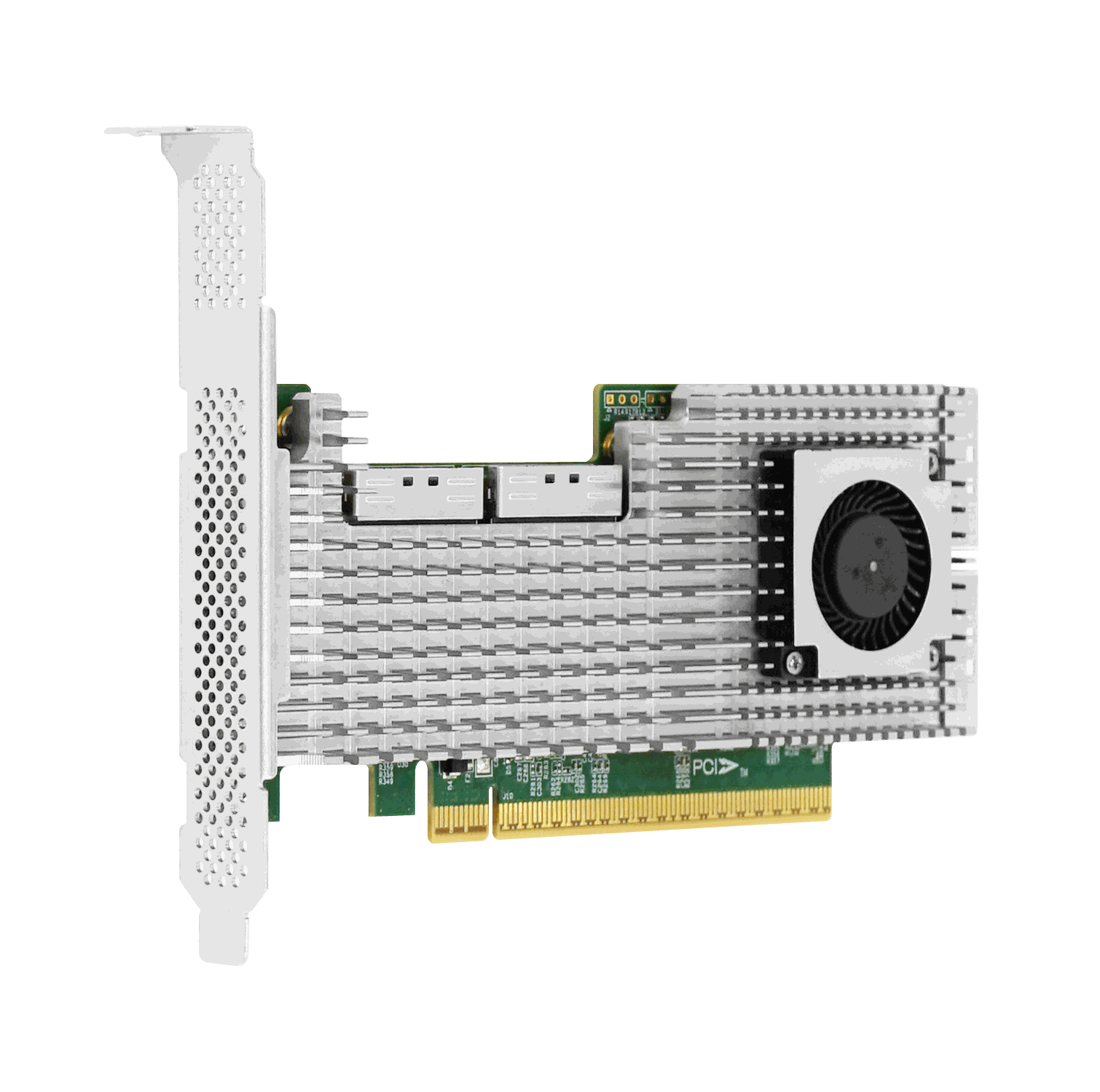
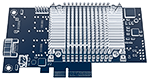
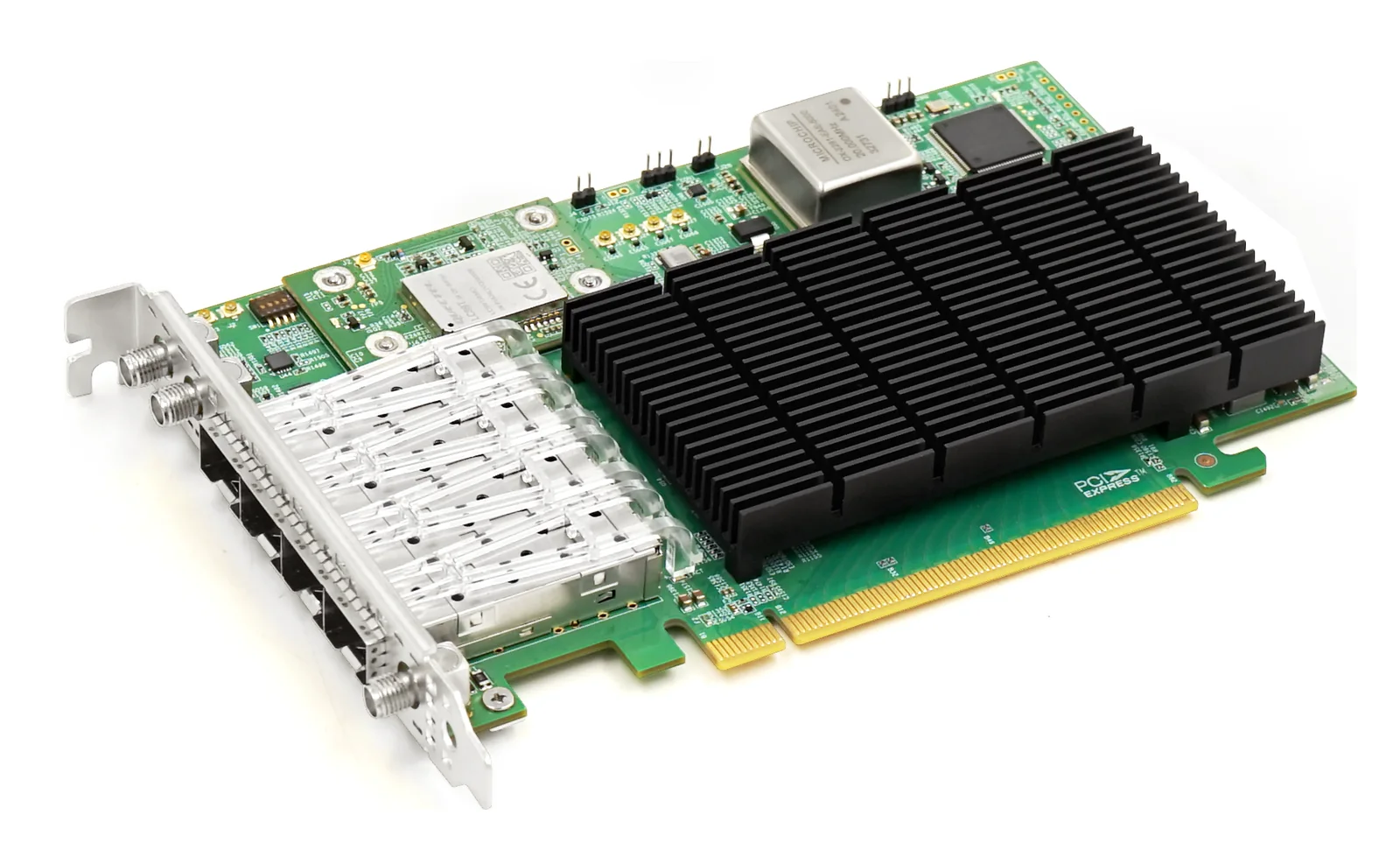
Official LRSV9570-1E CDFP retimer adapter product image

CDFP RETIMER

Retiming for demanding channels

LRSV9570-1E

Retimes signals to support electrical channel integrity for external compute and storage connections.

Host interface
PCIe 5.0 x16
External interface
Single CDFP port
Link rate
32 GT/s
Download datasheetPDF
Official LRSV9500-4I MCIO PCIe switch adapter product image

MCIO PCIe switching

Connect more expansion devices

LRSV9500-4I

Multi-port PCIe expansion provides connection options for high-density systems. Qualify the device type and lane topology.

Host interface
PCIe 5.0 x16
Downstream interfaces
4 × MCIO 8i
Switch controller
Broadcom PEX89048
Download datasheetPDF

Published model specifications are shown above. Verify system compatibility, cable reach and the complete topology together.

Match the architecture to the workload

From AI compute to real-time data, size the hardware around the application.

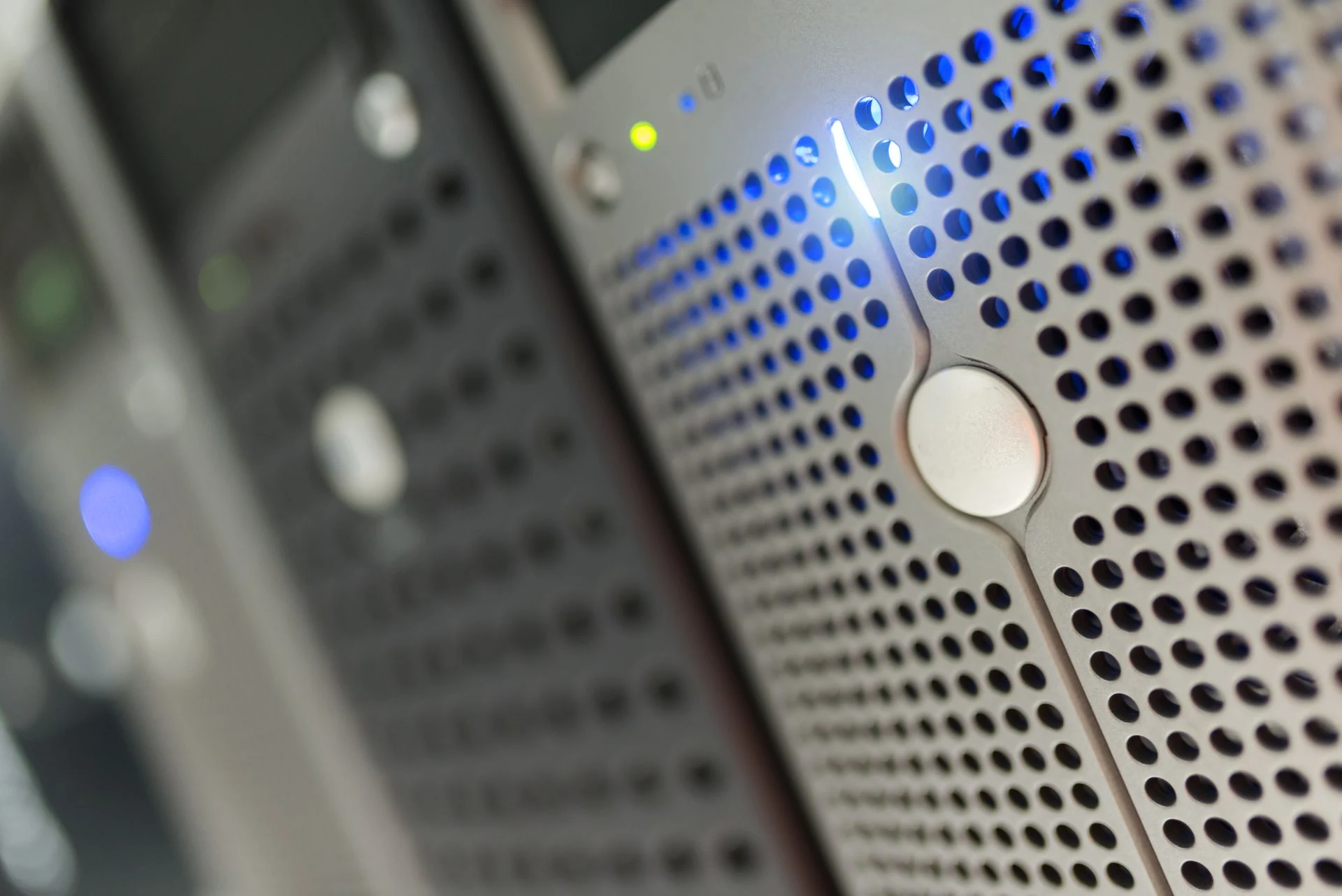
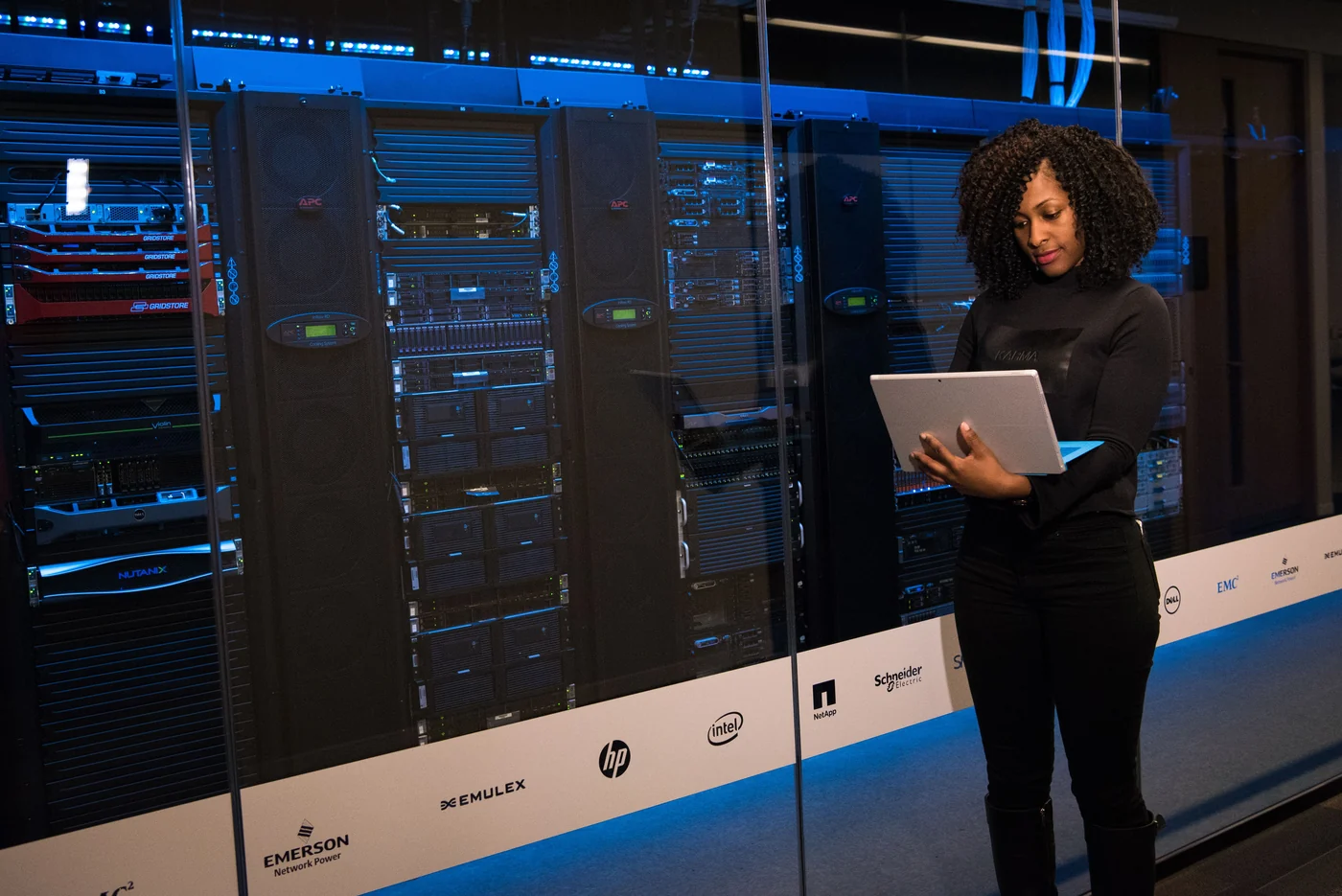
Photographed server hardware in a data center

Put compute to work.
Make room for the next model.

Plan GPU expansion, host connectivity and memory capacity together. A qualified expansion topology can accommodate changing training and inference requirements.

  • High-speed PCIe device connectivity
  • Independent GPU capacity expansion
Discuss an AI cluster
Compute infrastructure / scenario photography
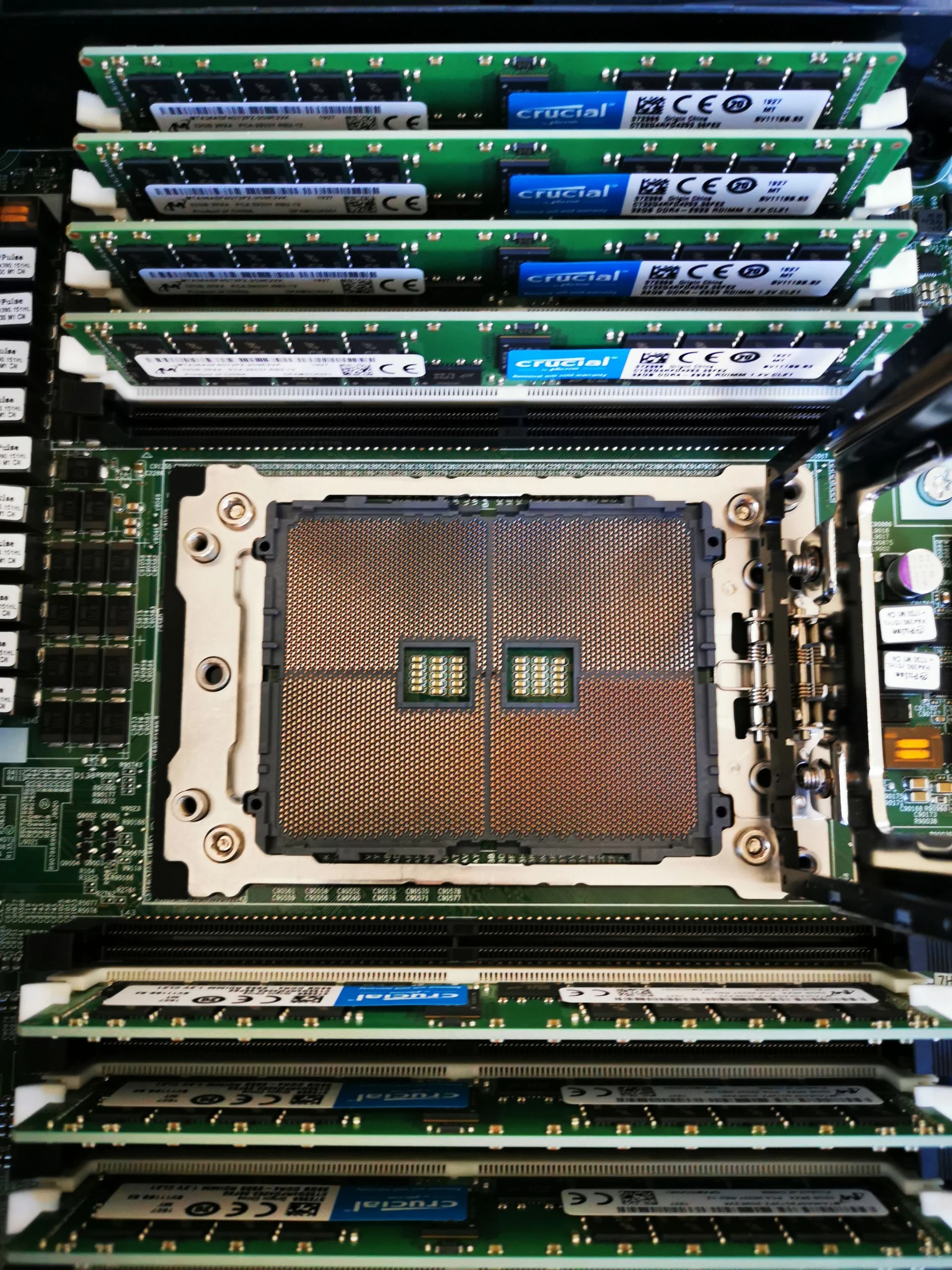
Photographed server hardware in a data center

Expand memory capacity.
Support a larger working set.

CXL memory expansion adds capacity for real-time analytics, in-memory databases and other memory-intensive workloads. Plan tiering and pooling around actual platform and software support.

  • DDR5 RDIMM expansion
  • Separate compute and memory sizing
Discuss memory expansion
Memory-intensive workloads / scenario photography
Photographed server hardware in a data center

Let demand grow.
Scale the resources it needs.

Compute, memory and storage do not follow the same upgrade cycle. Size resources independently for cloud-native and virtualized workloads, reducing configuration mismatch and evaluating total cost of ownership over time.

  • Expand resources around demand
  • Evaluate long-term TCO
Plan cloud infrastructure
Cloud infrastructure / scenario photography

Make the decision before the purchase

Browse technical articles

Your next architecture
starts with a conversation.

Request product specifications and review system compatibility.
Bring your requirements for the next infrastructure deployment.

Architecture and topology planningProduct selection and compatibilitySample evaluation
Contact LR-LINK

Discuss your infrastructure requirements

Share your platform and workload so we can plan the next step.

Your information will be used to respond to this enquiry.

Original architecture reference

The original concept includes PCIe 6.0, CXL 3.0 and four-RDIMM configurations. Product support must be checked against each model's specifications. Scroll horizontally to inspect details.

Data center hardware and resource expansion illustration